


How Virtual Try-On Technology Works
See how AI transforms your product photos into professional model imagery — from upload to download in seconds


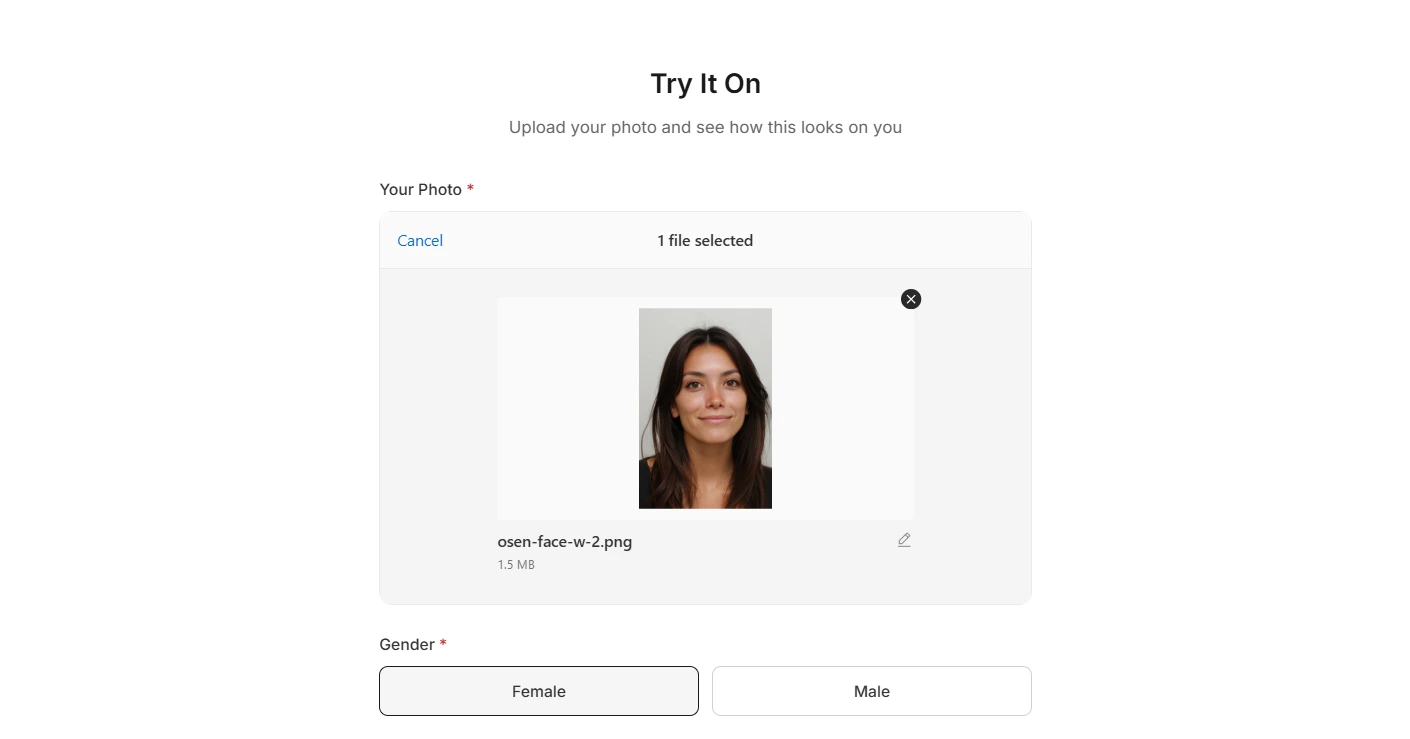
 Your Photo
 AI Result
On-Model Photos
Your Garment on Real-Looking Models
Upload a flat-lay photo. Pick a model. Get studio-quality imagery in under 90 seconds. No photographers, no studios, no scheduling.
Ready in Under 90 Seconds
Upload a flat-lay, pick your models and poses — studio-quality images generated before your coffee gets cold.
Your Garment, Their Physics
AI learns how your specific fabric drapes, folds, and stretches — silk flows, denim holds structure, knit breathes.
Refine with Words
"Make the lighting warmer"
"Show more neckline detail"
"Remove the wrinkle on left shoulder"
How it looks in your dashboard
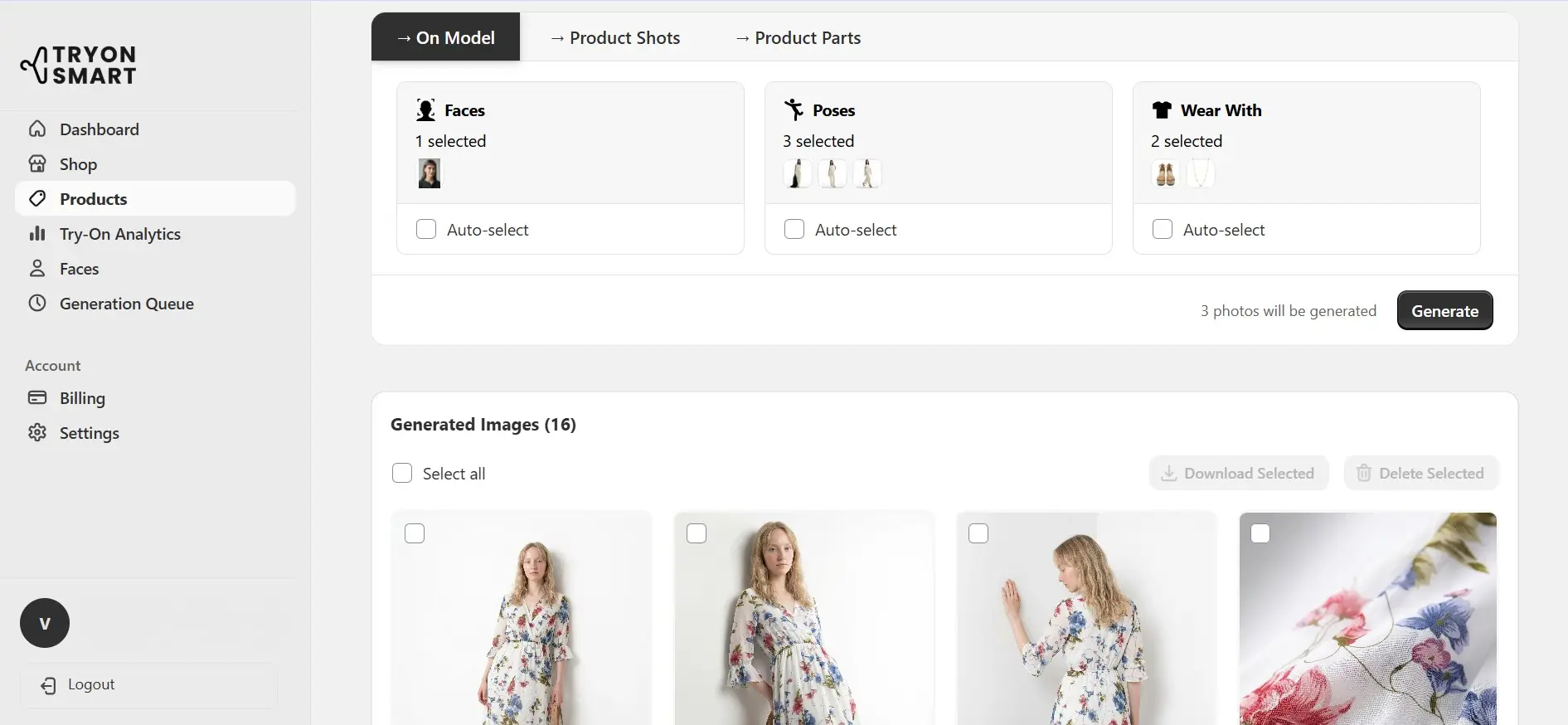


AI Fashion Models
Spring
Summer
Autumn
Winter
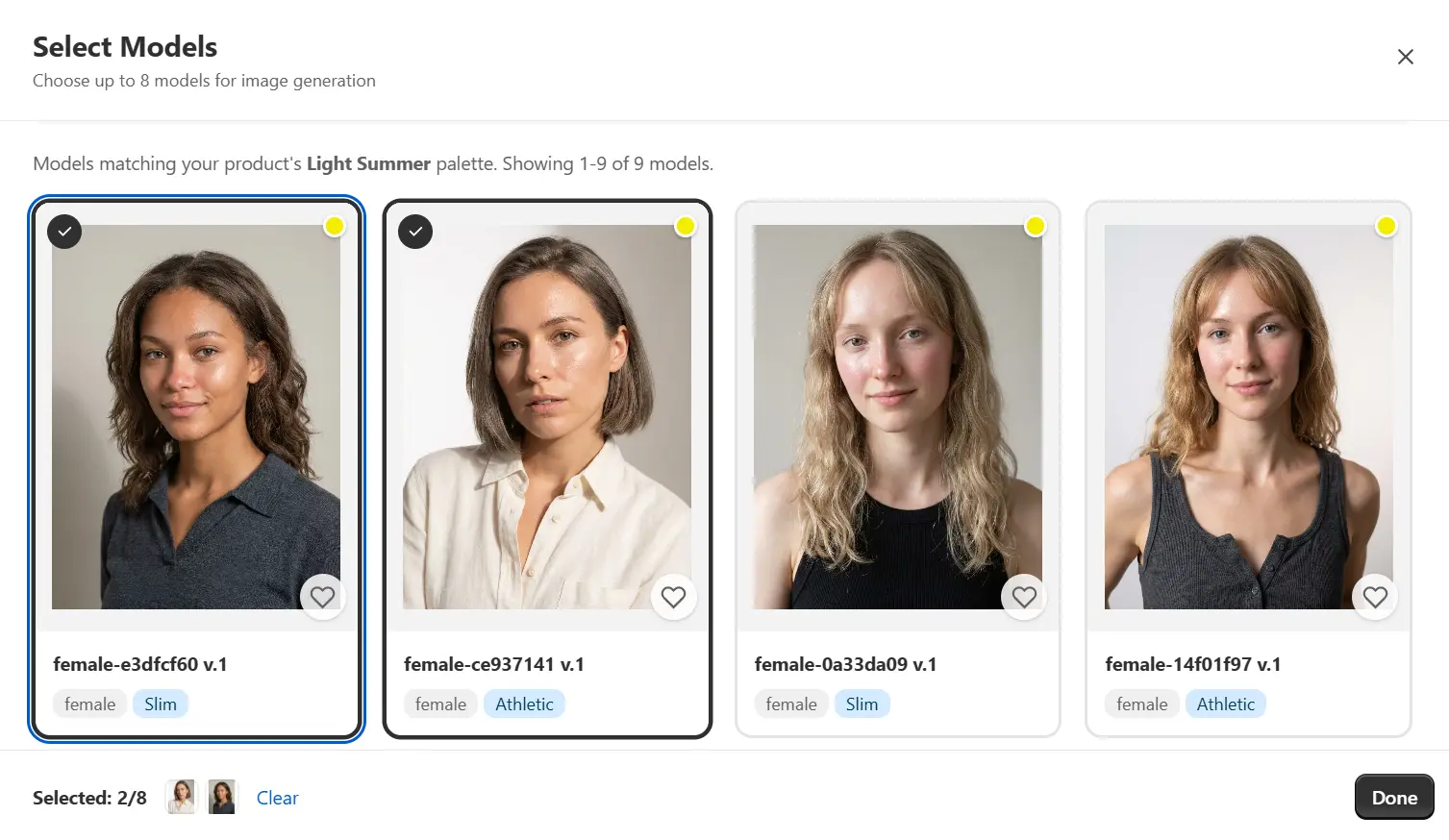
Explore our full model library
100+ Models. Every Body, Every Tone, Every Season.
Slim, athletic, mid-size, plus-size. Fair to deep skin tones. Ages 20s to 60s. Six ethnicities. Male and female. Your customer base, represented.
AI Picks the Best Match
Upload a garment and AI detects its color palette — then recommends models whose seasonal color type complements your product best.
How it looks in your dashboard
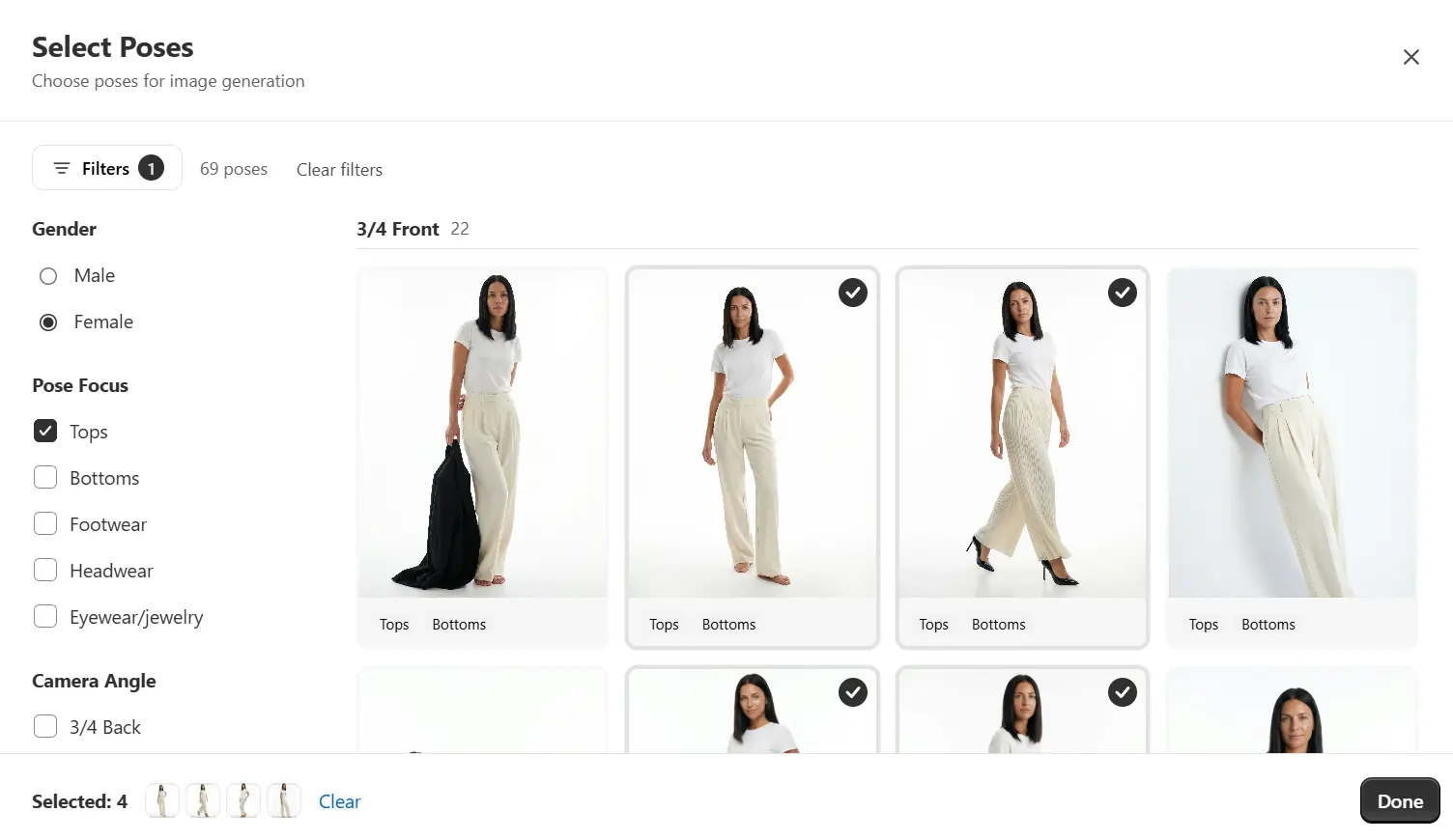
Beyond On-Model. Complete Product Imagery.
100+ poses, product shot templates, and detail close-ups - everything you need from a single flat-lay upload.
 On model
 No face
 Layflat
 Mannequin
 Hanger
 Macro shot
Poses, mannequin, hanger, layflat templates, and AI-detected detail close-ups
How it looks in your dashboard
AI Stylist
Your Garment. AI Styles the Rest.
AI analyzes color, style, and occasion to recommend complementary items - bottoms, shoes, accessories - so your garment is always shown in a complete, styled outfit.
1
Upload your garment
2
AI recommends matching items
3
Generate the full styled look

 AI picked: Floppy Wide-Brim Woven Sun Hat
 AI picked: Minimalist Round Dial Leather Strap Watch
 AI picked: Woven Straw Dual-Handle Tote


The Details That Matter
What sets professional AI-generated imagery apart from basic filters


What Our Users Say
Real feedback from fashion brands and e-commerce stores using TryOnSmart
"We were skeptical that AI could capture how our silk pieces actually move and drape. After testing with our spring collection, I was genuinely surprised. The way it handled our printed maxi dresses — keeping the pattern aligned even at the waist seam — that's something even some photographers miss. We've cut our content production time by about 70%."
"Game changer for our Etsy shop. Finally looks professional."
"Returns dropped 23% in the first quarter after switching. The try-on images give customers way more confidence in fit."
"Used to delay new arrivals by weeks waiting for photoshoots. Now inventory goes live the same day it hits our warehouse."
"Honestly didn't believe it would work for plus-size fashion. Thought it'd look weird or fake. It doesn't. Our customers finally see clothes on bodies that look like theirs."
Frequently Asked Questions
Everything you need to know about our AI virtual try-on technology
What types of garment photos work best?
Flat-lay photos on a clean, neutral background produce the best results. Your image should show the entire garment with good lighting and minimal shadows. Photos taken on white, gray, or light wood surfaces work particularly well. Avoid images with mannequins, hangers visible, or busy backgrounds.
How long does it take to generate a try-on image?
Most images are ready in 15-30 seconds. Processing time can vary slightly depending on garment complexity — a simple t-shirt processes faster than a detailed evening gown with beading. You can upload multiple garments and they'll process in parallel.
Can I use my own model photos?
Yes. You can upload photos of your own models or use our diverse library of AI-generated models. When using your own model photos, ensure they're high-resolution with the model in a neutral pose against a simple background for best results.
What happens to my uploaded images?
Your garment photos and generated images are stored securely and remain your property. We don't use your images to train our AI or share them with third parties. You can delete your images at any time from your dashboard.
Does it work with patterned fabrics like stripes or plaid?
Yes, and this is one of our strengths. Our AI maintains pattern continuity across seams and ensures stripes align correctly at shoulders, sides, and sleeves. The technology understands how patterns should flow naturally on a body in motion.
What garment types are supported?
We support most upper-body and full-body garments including t-shirts, blouses, dresses, jackets, coats, sweaters, and jumpsuits. Currently, we don't support standalone bottoms (pants, skirts), swimwear, or accessories like hats and bags.
Can I adjust how the garment fits on the model?
You can choose from different model body types and poses to show how your garment looks on various figures. The AI automatically determines the most realistic fit based on the garment's construction. Manual fit adjustments aren't available as they could compromise realism.
What image resolution do I get?
Generated images are high-resolution (up to 2048x2048 pixels), suitable for e-commerce product pages, social media, and marketing materials. You can download images in WebP or PNG format.